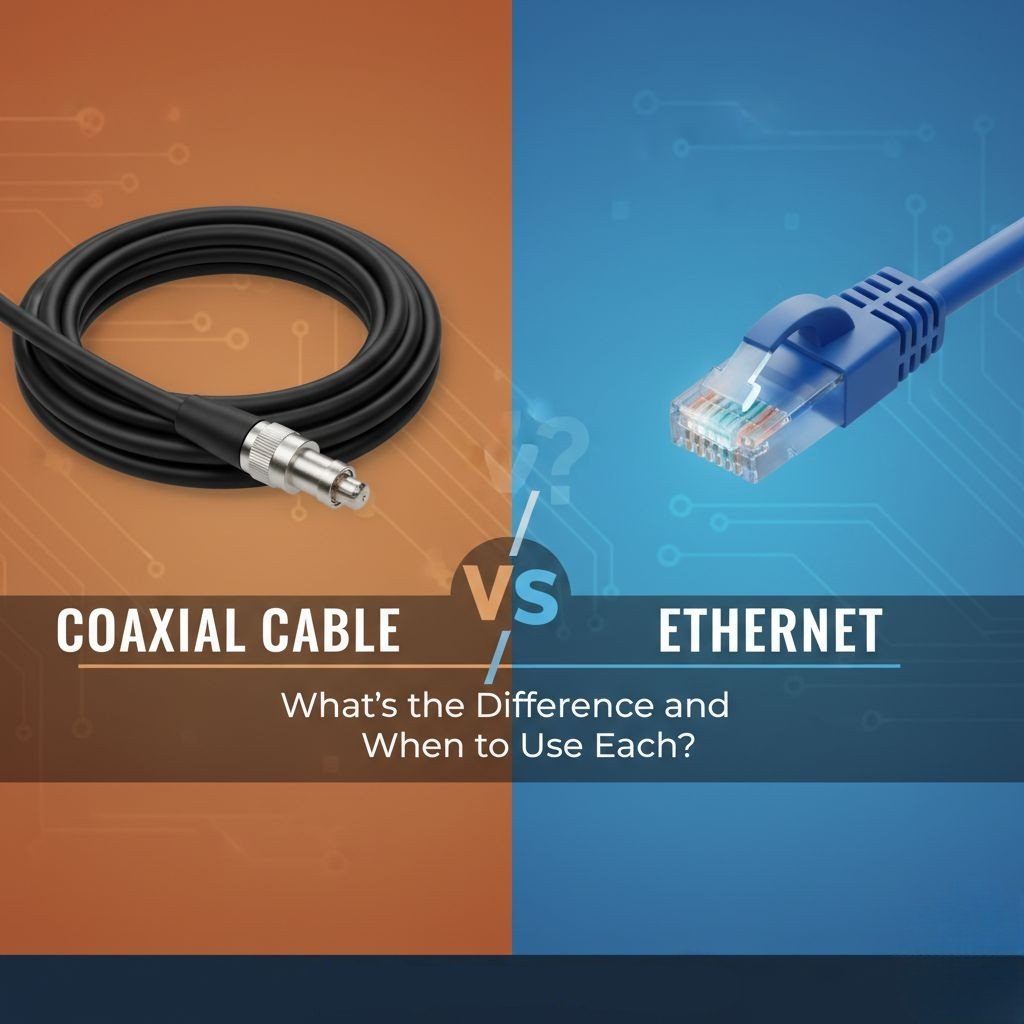
When it comes to home networking, many people get confused about which cable is best for their needs. Both coaxial cables and Ethernet cables help carry data, but they work differently and serve different purposes. If you have ever wondered how they compare or when to choose one over the other, this guide will help you understand the key differences. In this blog, we will break down everything in simple language so you can make the right choice when thinking about Coaxial Cable vs. Ethernet in your setup.
What Is a Coaxial Cable?
A coaxial cable, often called “coax,” is a type of cable commonly used for cable TV, satellite connections, and some types of internet services. It has a thick copper core in the center that carries the signal. Around this core, there are layers of insulation and shielding, which help protect the signal from outside interference. Coaxial cables have been used for decades because they are strong, durable, and able to carry signals over long distances. When comparing Coaxial Cable vs. Ethernet, it’s important to know that coax is still widely used in many homes.
What Is an Ethernet Cable?
An Ethernet cable is a network cable used to connect devices like computers, routers, smart TVs, and gaming consoles. It looks similar to a telephone cable but is thicker and made for faster data transmission. Ethernet cables usually come in different categories such as Cat5e, Cat6, and Cat7, each offering different speeds and performance. These cables are mainly used for wired internet connections because they provide stable and reliable speeds. In the discussion of Coaxial Cable vs. Ethernet, Ethernet is often seen as the better choice for fast and direct networking.
Key Differences Between Coaxial and Ethernet Cables
The most important difference between these two cables is how they carry data. Coaxial cables use radio frequency signals, while Ethernet cables transmit data digitally. Ethernet cables are usually faster and support high-speed internet better, especially in modern homes. Coaxial cables, on the other hand, are often used by internet providers to bring the main signal into your home. Another difference is flexibility: Ethernet cables are easier to run through walls and around tight spaces. Understanding these technical differences helps you decide when comparing Coaxial Cable vs. Ethernet for your daily use.
Speed and Performance: Which One Is Faster?
In most cases, Ethernet cables offer better speed and performance. For example, a standard Cat6 Ethernet cable can handle speeds up to 1 Gbps or even higher, depending on your network. Coaxial cables can also support high speeds, especially with technologies like DOCSIS, which is used by cable internet providers. However, coaxial cables are more likely to experience slight signal loss over long distances. Ethernet cables keep the signal strong and consistent, making them ideal for activities like online gaming, 4K streaming, and working from home.
Installation and Ease of Use
Installing coaxial cables is usually easy because many homes already have coax ports. These cables are thick and strong, so they can handle bending without breaking easily. Ethernet cables require a bit more planning because you may need to run them through walls or ceilings or use cable clips to keep them tidy. However, Ethernet connections are simple to set up once the cable is in place. Both cable types are user-friendly, but Ethernet requires a bit more setup if ports are not already available. Still, for a direct device-to-router connection, Ethernet is often the more efficient choice.
When Should You Choose Coaxial Cable?
You should choose a coaxial cable if your internet provider delivers service through a coax modem, since it is needed to bring the signal into your home. Coax is also a good choice for long-distance connections inside large buildings because it handles interference well. If you have a setup where you are using MoCA adapters to convert coax lines into a wired internet network, coax becomes useful again. In older homes and apartments, coaxial ports are usually already installed, making it a convenient option.
When Should You Choose Ethernet Cable?
Ethernet is the best option when you want the fastest and most stable connection. If you are connecting a PC, gaming console, smart TV, or office device, Ethernet will give you lower latency and higher speeds compared to Wi-Fi or coax setups. It is also the preferred cable type for modern networking systems and mesh networks with wired backhaul. If you are building a home office or upgrading your home internet, Ethernet is almost always the better long-term investment. As you continue learning about Coaxial Cable vs. Ethernet, you’ll see that Ethernet often wins for direct device connections.
Which One Should You Use in Your Home?
The right choice depends on your needs. If you only need a cable to bring internet from your provider to your modem, coaxial is the default option. But if you want fast, stable, and direct internet access for your devices, Ethernet is the better cable. Many homes use both: coax to deliver the provider’s signal, and Ethernet inside the house for devices. It also depends on your future plans—if you want a faster network later, installing Ethernet now will help you upgrade easily. When deciding between Coaxial Cable vs. Ethernet, think about speed, distance, and your home setup.
Conclusion
Both coaxial and Ethernet cables play an important role in home and office networks. Coaxial cables are great for carrying the main internet signal into your home and travel long distances with low interference. Ethernet cables are perfect for fast, stable, and high-performance networking between your devices. Understanding the strengths of each cable helps you build a stronger and more reliable network. By knowing the difference between the two, you can make smarter choices and get the best performance possible for your internet and devices.