Best Practices for Coaxial Cable Installation and Routing
Posted by

admin
Installing a coaxial cable may look simple, but doing it the right way makes a big difference in signal quality, internet speed, and long-term reliability. Poor installation can cause signal loss, interference, and frequent connection issues—even if you’re using a high-quality cable. Whether you’re setting up cable internet, TV, or a home network extension, following best practices ensures stable performance and fewer problems later. This guide explains how to install and route coaxial cables properly, using clear and easy language anyone can follow.
Plan the Cable Route Before Installation
Before you start drilling holes or running cables, take time to plan the route carefully. Look for the shortest and most direct path from the entry point to your modem or TV. Avoid unnecessary bends, tight corners, or long loops that can weaken the signal. Check for obstacles like electrical wiring, plumbing, or heat sources that could interfere with the cable. Planning ahead helps you avoid mistakes that are hard to fix later and keeps your installation clean and efficient.
Use the Correct Type of Coaxial Cable
Not all coaxial cables are suitable for every installation. For most home networks and cable internet setups, RG6 75Ω coaxial cable is the recommended choice. It supports higher frequencies and provides better signal quality than older or thinner cables. If the cable run is very long, RG11 may be used, but it is thicker and harder to bend. Always choose a cable that matches your use case, distance, and environment to avoid performance issues.
Avoid Sharp Bends and Excessive Tension
Coaxial cables should never be bent sharply or pulled too tightly. Sharp bends can damage the inner copper conductor and insulation, causing signal loss. A good rule is to keep bends smooth and wide, roughly the size of a soft curve rather than a corner. Avoid stretching the cable during installation, especially when pulling it through walls or conduits. Gentle handling helps preserve signal strength and extends the life of the cable.
Keep Distance from Electrical Interference
One of the most important routing rules is to keep coaxial cables away from power lines and electrical equipment. Running coax cables parallel to electrical wiring can introduce interference that affects signal quality. If crossing a power cable is unavoidable, do so at a 90-degree angle to reduce interference. Also keep coax cables away from devices like motors, transformers, and fluorescent lighting. Proper separation ensures a clean and stable signal.
Secure the Cable Properly
Loose or hanging cables can get damaged over time and create safety hazards. Use cable clips, staples designed for coax, or cable ties to secure the cable along walls or beams. Be careful not to crush or pinch the cable when fastening it. Leave a small amount of slack at connection points to prevent strain on connectors. A neatly secured cable not only looks professional but also reduces wear and tear.
Use Quality Connectors and Proper Termination
Even the best cable won’t perform well if the connectors are poorly installed. Use high-quality F-type connectors and make sure they are properly fitted. Compression connectors are preferred because they provide a tight, long-lasting connection with minimal signal loss. When terminating the cable, ensure the copper core is straight and the shielding is intact. Loose or poorly installed connectors are a common cause of signal problems in home networks.
Avoid Unnecessary Splitters
Each time a coaxial signal passes through a splitter, some signal strength is lost. Use splitters only when necessary, and always choose high-quality, low-loss splitters rated for your frequency range. Avoid daisy-chaining multiple splitters, as this can significantly reduce signal quality. If multiple connections are needed, consider using a single splitter with the correct number of outputs rather than multiple small ones.
Label and Organise Cables
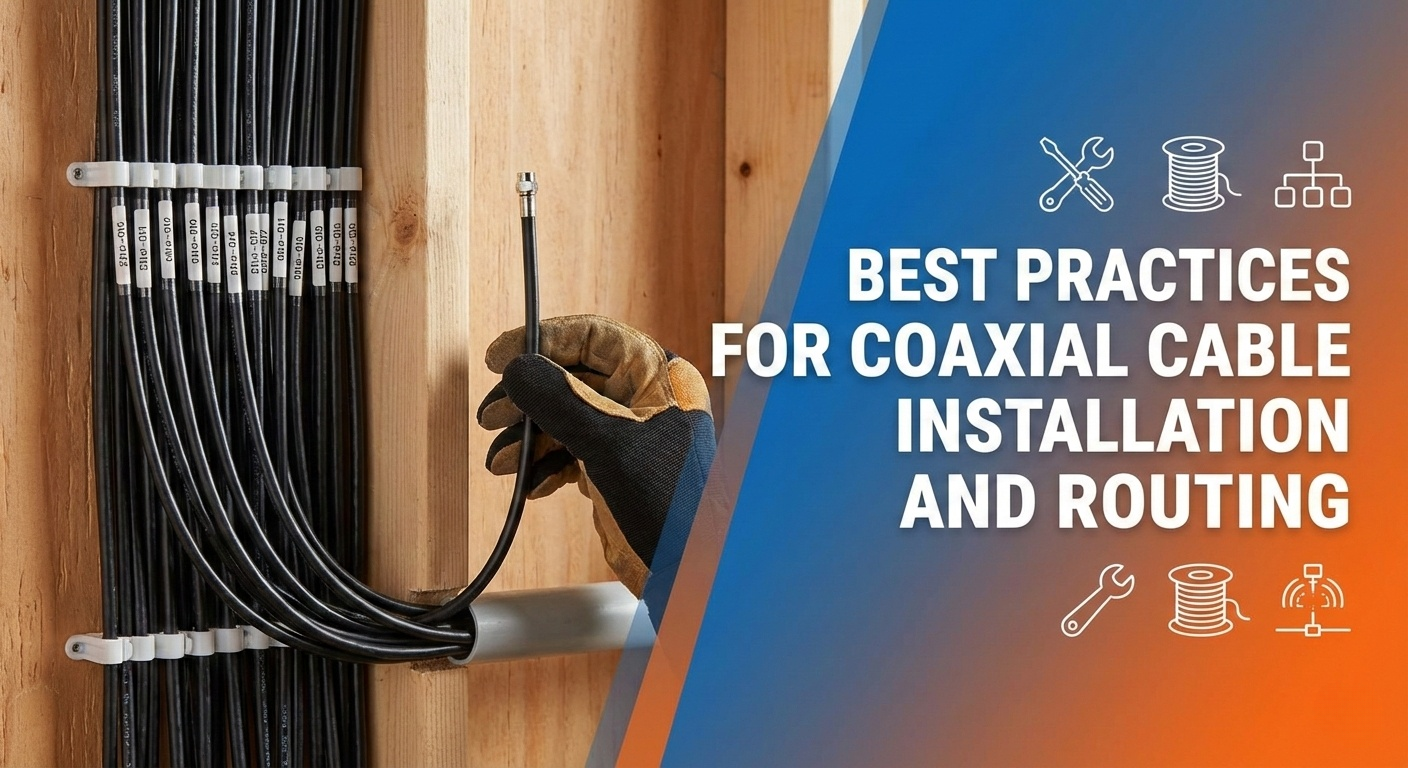
If you’re running multiple coaxial cables, labelling them can save a lot of time in the future. Use simple tags or labels to mark where each cable goes, especially near the splitter or distribution point. Keep cables organised and separated to avoid confusion and accidental disconnections. This is especially useful in home offices, media rooms, or structured wiring panels.
Use Outdoor-Rated Cable for Exterior Runs
If your installation involves running coaxial cable outside the house, always use outdoor-rated, UV-resistant, and waterproof cable. Indoor cables can crack or degrade when exposed to sunlight, rain, and temperature changes. Secure outdoor cables properly and avoid areas where they could be damaged by animals or lawn equipment. Proper outdoor installation prevents signal issues and costly replacements later.
Test the Signal After Installation
Once the installation is complete, test the connection before finalising everything. Check internet speed, TV signal quality, or modem signal levels to ensure everything is working correctly. If you notice weak signals or interruptions, inspect connectors, splitters, and cable routes for issues. Testing early helps catch problems before they become permanent or harder to fix.
Follow Safety and Building Guidelines
Always follow basic safety rules during installation. Turn off power when working near electrical wiring, use proper tools, and avoid drilling into unknown areas. In some regions, building codes may apply to in-wall cabling, so it’s important to follow local guidelines. If the installation feels too complex, hiring a professional installer can save time and prevent costly mistakes.
Final Thoughts
Proper coaxial cable installation and routing play a major role in the performance of your home network. By planning the route, using the right cable and connectors, avoiding interference, and securing everything correctly, you can ensure strong and reliable signal delivery. These best practices don’t require advanced technical skills—just careful attention and patience. A well-installed coaxial cable setup provides stable internet and TV performance today and remains dependable for years to come.
About admin
Related Posts