How to Choose the Right Coaxial Cable for Your Home Network
Posted by

admin
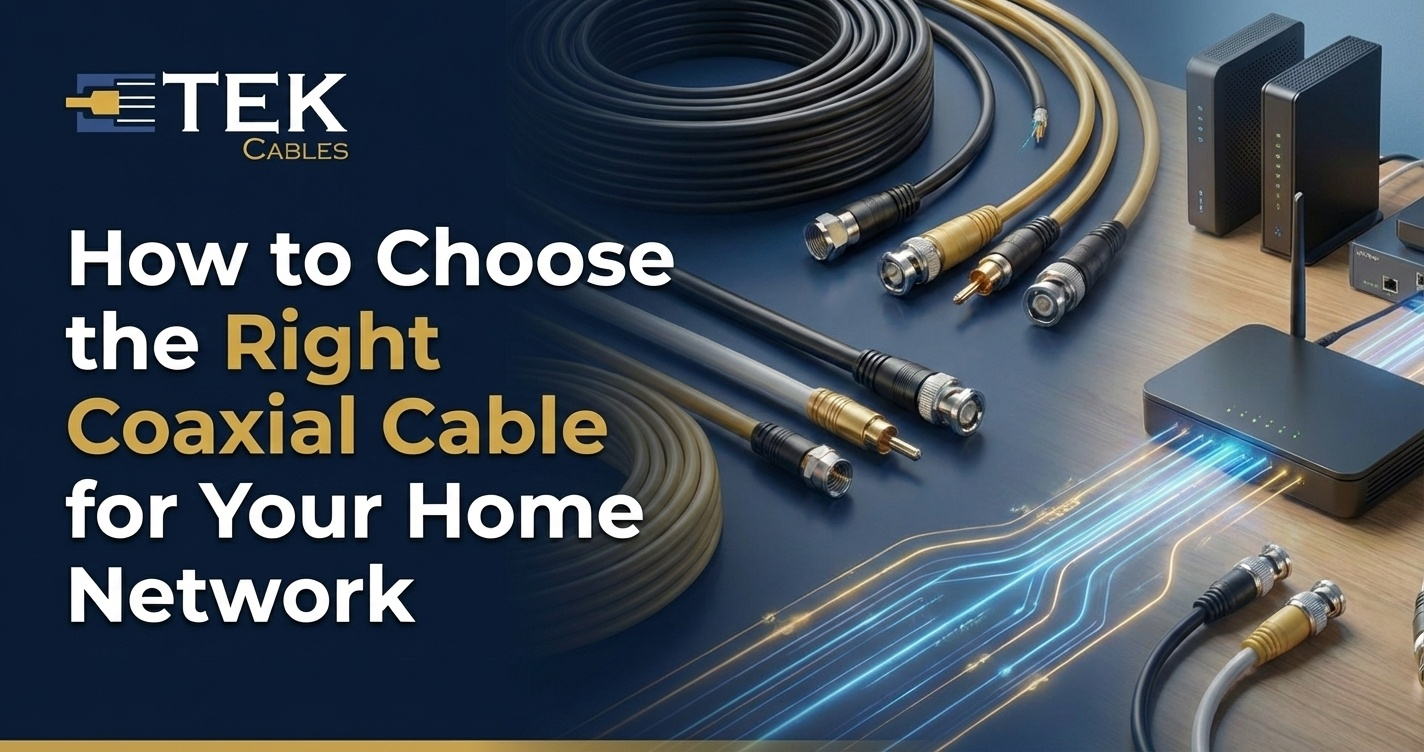
A strong home network isn’t just about your internet plan — it’s also about the cable that carries the signal into your modem and devices. Many homes still rely on coaxial cables for TV and broadband, but not all coax cables are built the same. Choosing the wrong one can lead to slow speeds, weak signals, or frequent connection drops. The good news? Picking the right coaxial cable is easier than most people think. You just need to understand a few basics, which we’ll explain clearly in this guide.
Understand Your Network Needs
Before buying any coax cable, know what you need it for. Coaxial cables can carry internet, TV, CCTV, and RF (radio frequency) signals, but each use needs slightly different cable strength. If you’re connecting your cable modem for broadband, you’ll want a cable that supports high frequency with low signal loss. If it’s for digital TV, your focus should be on picture quality and stable signal delivery. For outdoor or long-distance setups, durability becomes the priority. Once you know your purpose, it becomes much easier to pick the right cable without getting stuck in unnecessary features.
Learn the Most Common Cable Types (RG Ratings)
Coaxial cables are labelled using RG (Radio Guide) numbers, which tell you about their build and performance. The most common types for home networks are RG6, RG11, and RG59.
-
RG6 is the best and most popular choice for cable internet and digital TV because it supports high bandwidth and works well even with longer indoor runs.
-
RG11 is thicker and better for very long distances, but it’s stiff and harder to bend, making it less suitable for tight spaces.
-
RG59 is thinner and works for older analogue TV or short-distance CCTV, but it struggles with modern high-speed internet.
For most homes today, RG6 is the safest and most future-proof option.
Choose the Right Impedance (50Ω vs. 75Ω)
Impedance is one of the most important specs on a coax cable. It’s measured in ohms (Ω). For home internet and TV setups, the correct choice is almost always 75Ω. This is because cable internet providers, satellite systems, and digital TV signals are designed to work on 75Ω lines. 50Ω cables are mainly used for antennas and radio transmitters, not home modems or TVs. Using the wrong impedance may result in signal reflection, interference, or unstable internet. Always check the ohm rating printed on the cable before buying.
Check the Shielding Level
Coax cables include shielding layers to protect signals from electrical noise. The most common shielding types are:
-
Foil shield
-
Braided shield
-
Dual shield (foil + braid)
-
Quad shield (extra-layered protection)
For most home setups, dual-shield RG6 works perfectly fine. But if your cables will run close to power lines or in high-interference areas, quad-shield RG6 gives better protection. More shielding won’t increase internet speed, but it keeps your signal clean and stable, which is even more important for reliable performance.
Look at Cable Length and Attenuation
Attenuation means how much signal weakens while travelling through a cable. Longer cables naturally lose more signal, but high-quality cables minimise this loss. If your modem is close to the entry point, RG6 works fine even at 10–15 metres. But if your cable run goes beyond 30+ metres inside the home, you might consider RG11 or a premium low-attenuation RG6 cable. Avoid using cables that are way longer than you actually need, as extra length creates clutter and may weaken your signal unnecessarily. Measuring your distance before buying is always the smart move.
Choose the Right Connector Type
A cable performs only as well as its connectors. The most common connector for home internet and digital TV is the F-type connector. For CCTV and RF setups, you may see BNC connectors, but they are not standard for modems or TVs. Always choose connectors that are tightly fitted and corrosion-resistant. Many technicians prefer compression F-type connectors over screw-on ones because they stay firm, reduce signal leakage, and last longer. Gold-plated connectors don’t boost speed, but they resist rust and improve longevity.
Indoor vs. Outdoor Cable Use
Not all coax cables are made to survive outdoor conditions. If you plan to run cables outside — to roof antennas, outdoor CCTV cameras, or underground routes — choose a cable labelled UV-resistant and waterproof. Indoor cables may crack or degrade in sunlight, rain, or extreme temperatures, causing signal issues. Outdoor coax cables may cost a little more, but they prevent early damage and reduce the need for repairs.
Match Cable Frequency to Your Internet Plan
Modern cable internet uses high frequencies, especially if your provider runs on DOCSIS 3.0 or DOCSIS 3.1. RG6 cables typically support up to 3 GHz, which makes them perfect for DOCSIS 3.1 — even for gigabit broadband plans. Lower-frequency cables may not perform well if you’re on a high-speed internet plan or plan to upgrade later. If you want to future-proof your network, always choose a cable that supports a higher GHz range now, so you don’t have to replace it early.
Quality Matters — But You Don’t Need the Most Expensive
You don’t need the most expensive cable for a home network. A good 75Ω RG6 dual or quad-shield cable from a trusted manufacturer will work great in most homes. Avoid ultra-cheap cables because they often use aluminium cores instead of copper, weak insulation, or poor connectors — all of which cause signal problems. Mid-range, high-quality cables always outperform low-cost options in stability and lifespan.
Final Verdict
For most home internet and TV networks, the best option is:
75Ω RG6 coaxial cable
✔ Dual or quad-shielding depending on interference
✔ Secure compression F-type connectors
✔ Proper length based on your actual measurement
✔ Outdoor-grade only if used outside
Coaxial cables may not directly compete with Ethernet for device connections, but they remain the backbone for many provider-delivered internet networks. Choosing the right one ensures your home network runs smoothly now and stays upgrade-ready for the future.
About admin
Related Posts