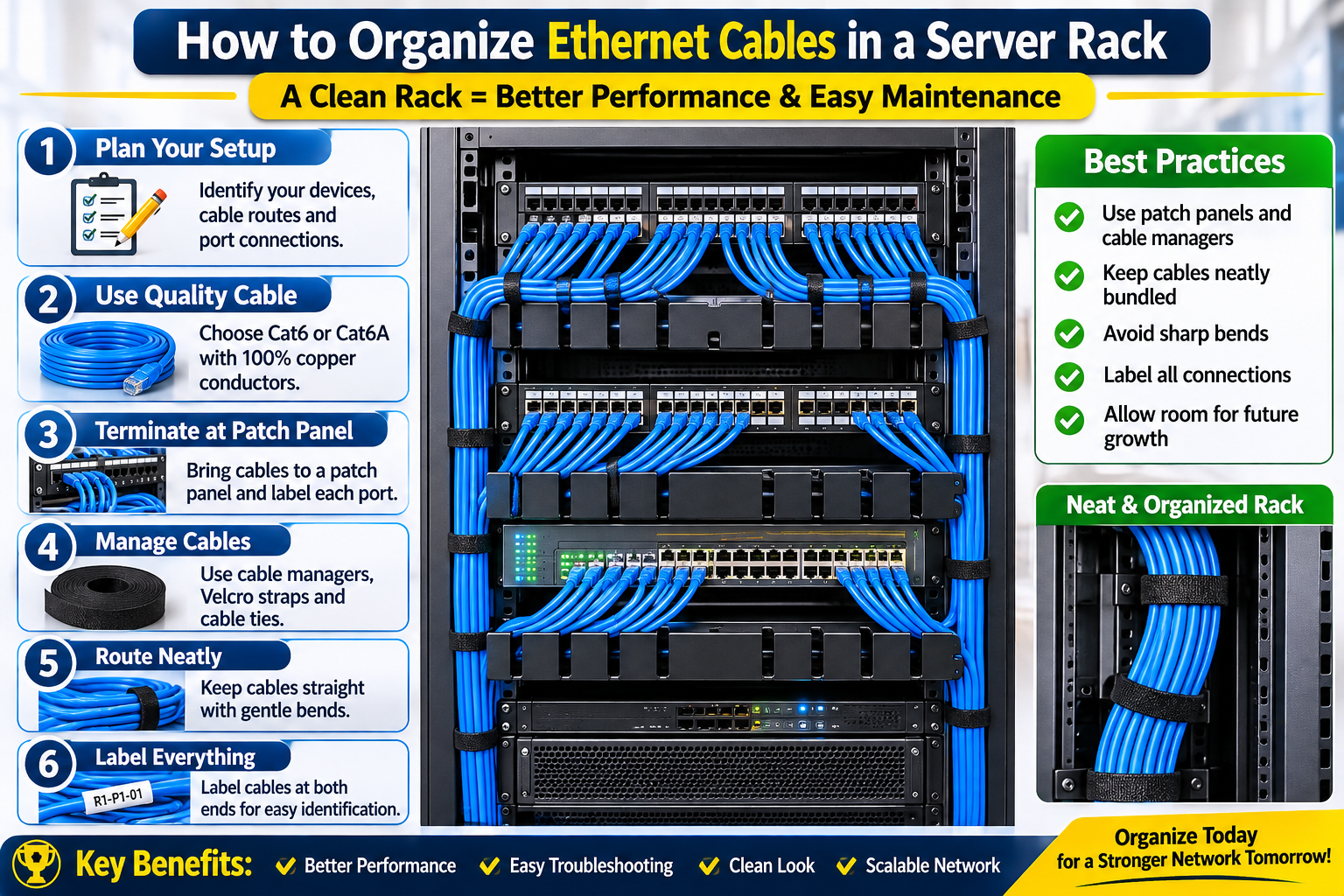
Patch Panel vs Network Switch: What Does Each One Do?
Posted by

admin
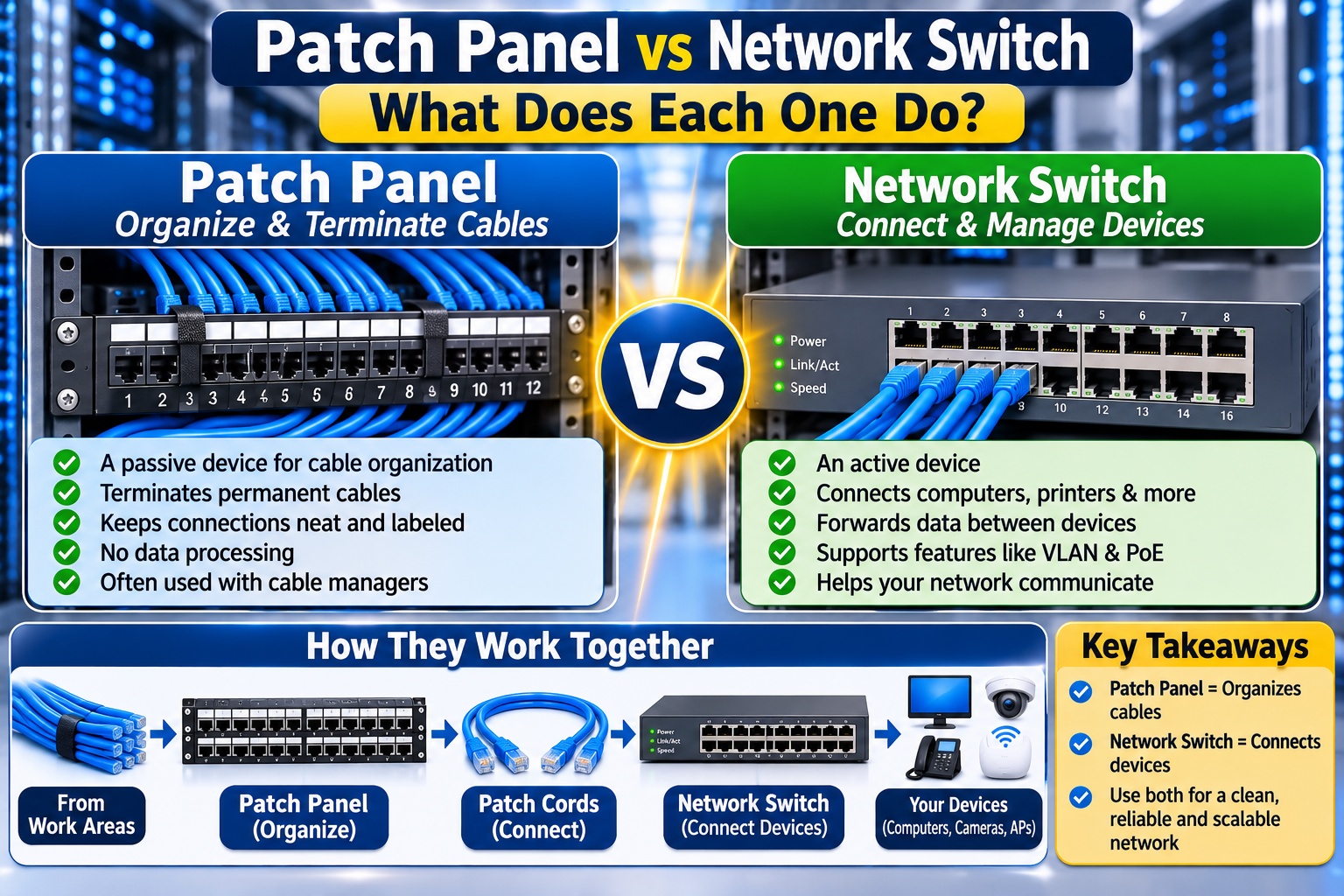
Patch Panel vs Network Switch: What Does Each One Do?
When building an office network, server room, or data center, two important components you will commonly find in a network rack are patch panels and network switches. Although they may look similar because both feature multiple Ethernet ports, they perform very different functions.
Understanding the difference between a patch panel and a network switch can help you design an organized, reliable, and scalable network infrastructure.
What Is a Patch Panel?
A patch panel is a passive networking component used to organize and terminate Ethernet cables in a central location. It provides a convenient connection point for cables running from different rooms, workstations, security cameras, and wireless access points.
Instead of connecting permanent cables directly to network switches, technicians terminate them at a patch panel and use short Ethernet patch cords to connect the required ports to a switch.
Key Benefits of a Patch Panel:
- Keeps Ethernet connections organized.
- Simplifies cable management.
- Makes troubleshooting and maintenance easier.
- Allows network connections to be changed without disturbing permanent cabling.
- Creates a clean and professional server rack setup.
A patch panel does not process network traffic, provide internet connectivity, or supply electrical power.
What Is a Network Switch?
A network switch is an active networking device that connects computers, printers, IP cameras, wireless access points, and other devices within a local area network (LAN).
Unlike a patch panel, a network switch processes Ethernet frames and forwards data to the appropriate destination using MAC addresses.
Network switches are available in different types, including managed and unmanaged models. Managed switches offer advanced features such as VLANs, Quality of Service (QoS), traffic monitoring, and network access controls.
Some switches also support Power over Ethernet (PoE), allowing compatible devices to receive electrical power and network connectivity through a single Ethernet cable.
Patch Panel vs Network Switch: Key Differences
| Feature | Patch Panel | Network Switch |
|---|---|---|
| Main Purpose | Cable organization | Device connectivity |
| Operation | Passive | Active |
| Data Processing | No | Yes |
| Power Required | No | Yes |
| PoE Support | No | Available on compatible models |
| Main Function | Cable termination | Data forwarding |
| Common Location | Network rack | Network rack |
How Do Patch Panels and Network Switches Work Together?
In a typical office network, permanent Ethernet cables run from workstations, IP cameras, printers, and wireless access points to a central network cabinet.
These cables terminate at the patch panel. Short Ethernet patch cords then connect the required patch-panel ports to a network switch.
The switch handles communication between connected devices and connects the local network to other network equipment, such as a router.
This arrangement keeps permanent cabling organized while allowing technicians to manage network connections easily.
Do You Need Both a Patch Panel and a Network Switch?
For a small home network with only a few devices, a network switch may be sufficient. However, businesses, commercial buildings, and larger office installations can benefit significantly from using both components.
A patch panel provides structured cable management, while a network switch handles communication between connected devices.
Using both creates a cleaner network rack, simplifies troubleshooting, and makes future expansion easier.
How to Choose the Right Patch Panel and Network Switch
Before purchasing networking equipment, consider the following factors:
- Port Requirements: Choose enough patch-panel and switch ports for your current devices and future expansion.
- Cable Category: Match your patch panel and connectors to the installed Cat5e, Cat6, or Cat6A cabling.
- Network Speed: Select a switch that supports your required speeds, such as Gigabit or 10 Gigabit Ethernet.
- PoE Requirements: If you are connecting IP cameras or wireless access points, consider a PoE-compatible switch.
- Rack Compatibility: Check the equipment’s rack-mounting requirements and available space.
- Cable Management: Use suitable patch cords, cable managers, and labeling to keep connections organized.
Final Recommendation
A patch panel and a network switch are not competing devices; they perform complementary functions. The patch panel organizes and terminates Ethernet cabling, while the network switch connects devices and forwards network traffic.
For professional office networks, structured cabling installations, and server rooms, using both components is a practical way to create an organized, reliable, and scalable networking infrastructure.
About admin
Related Posts